-
download a iso in https://immortalwrt.kyarucloud.moe/releases/23.05.4/targets/x86/64/
-
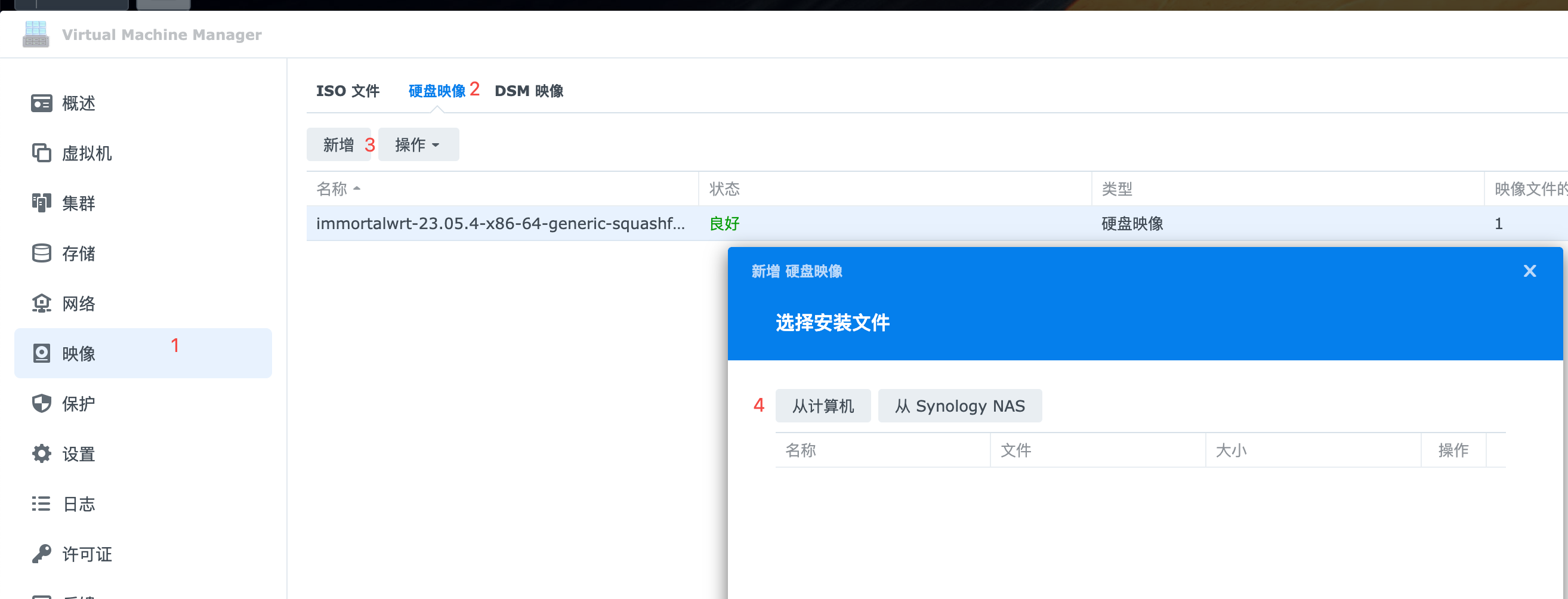
add new hard disk image
-
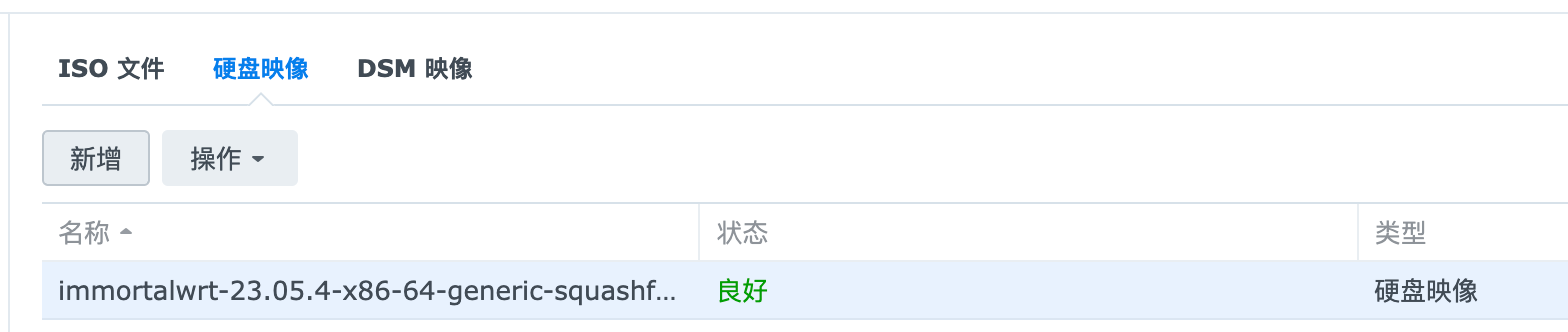
Wait for the image to be imported
-
import a new Virtual Machine


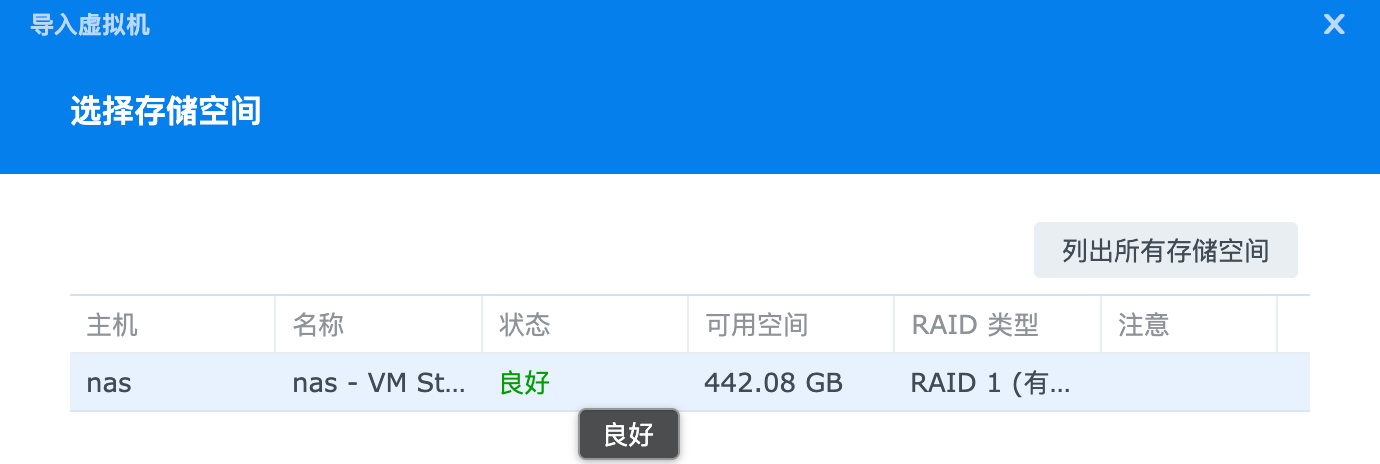
- set vm params
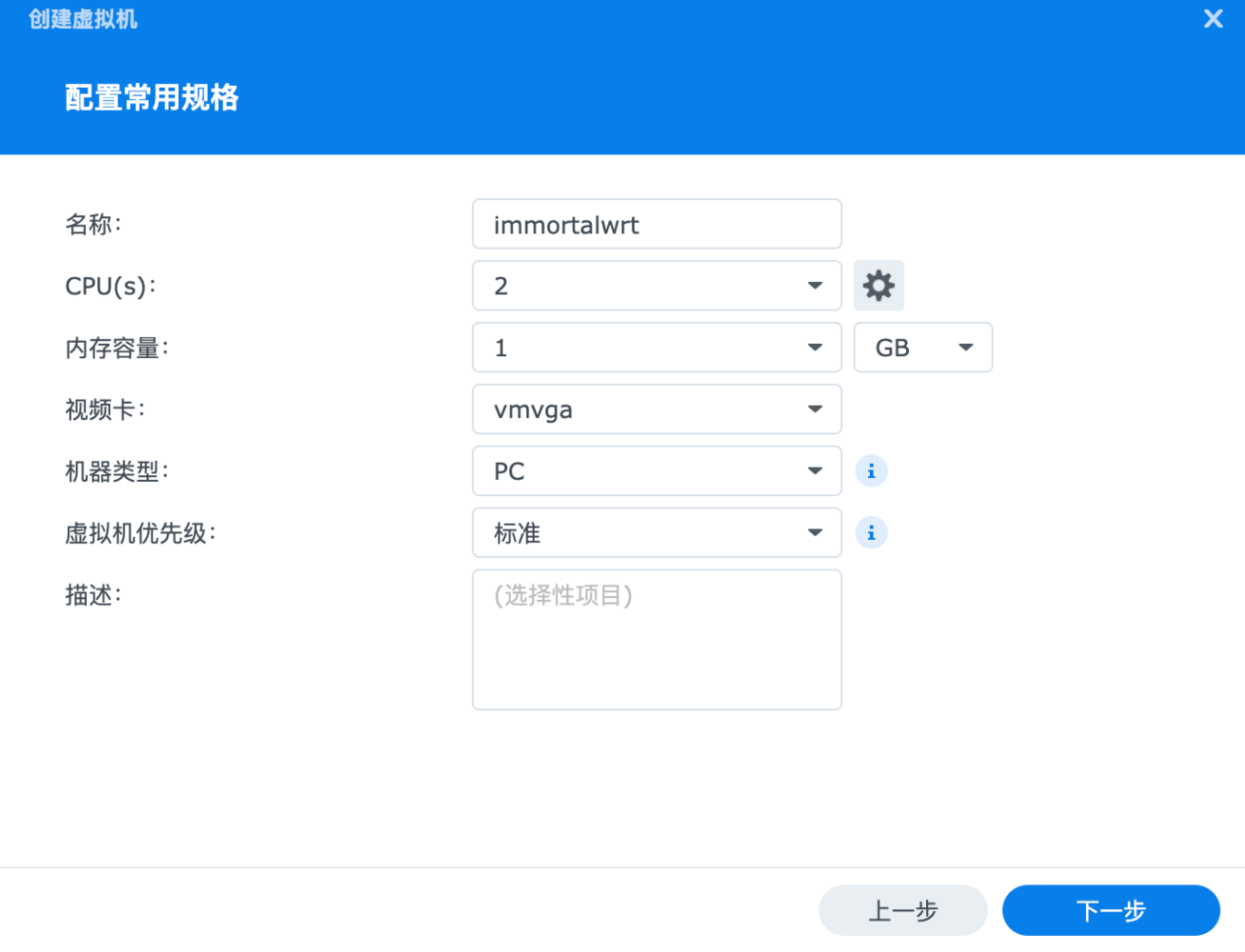

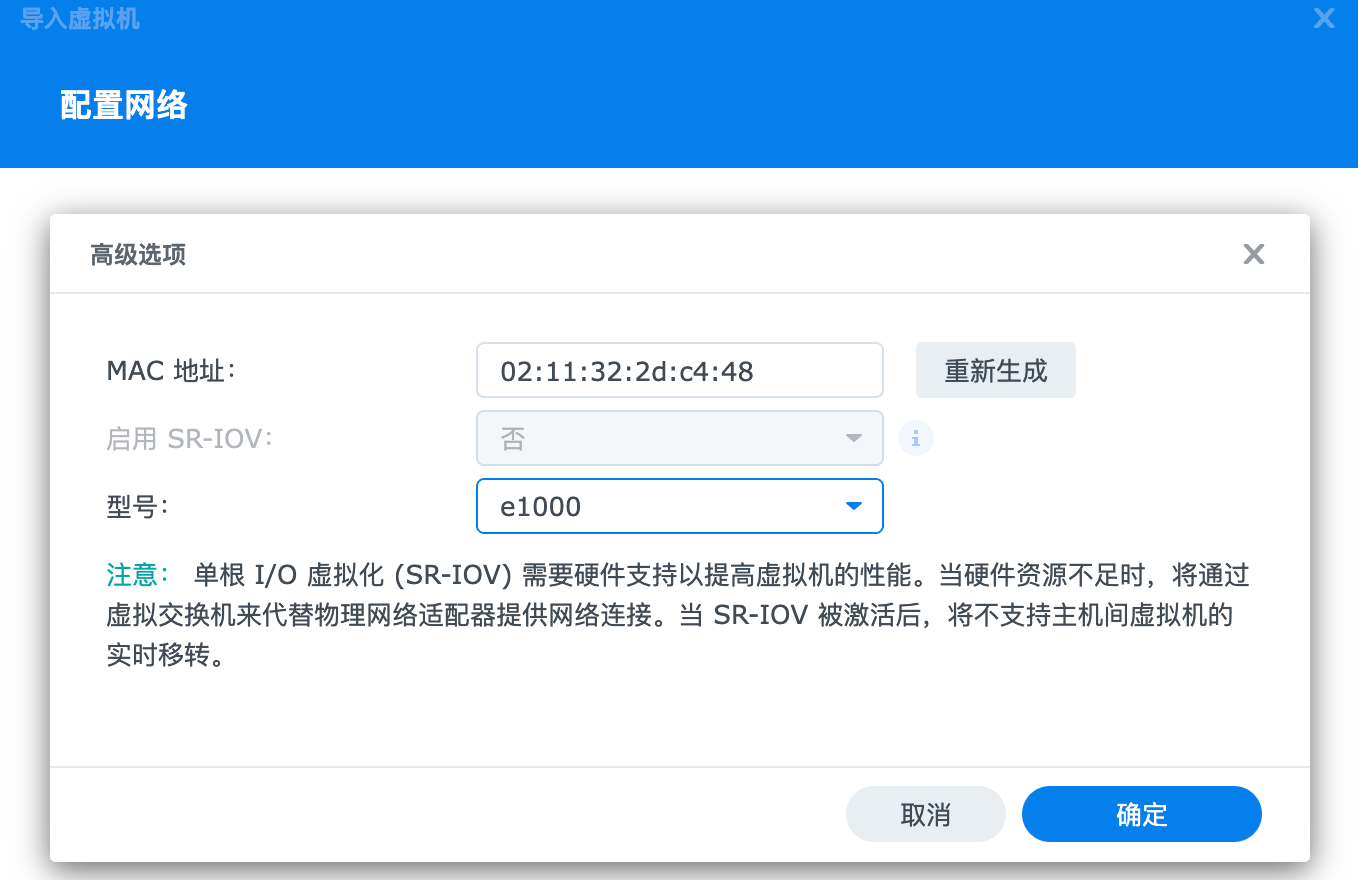
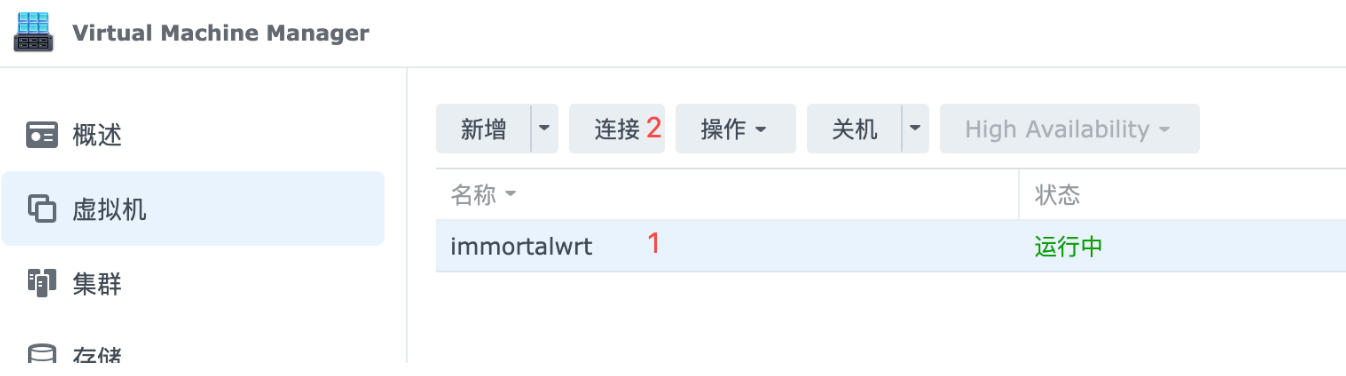
-
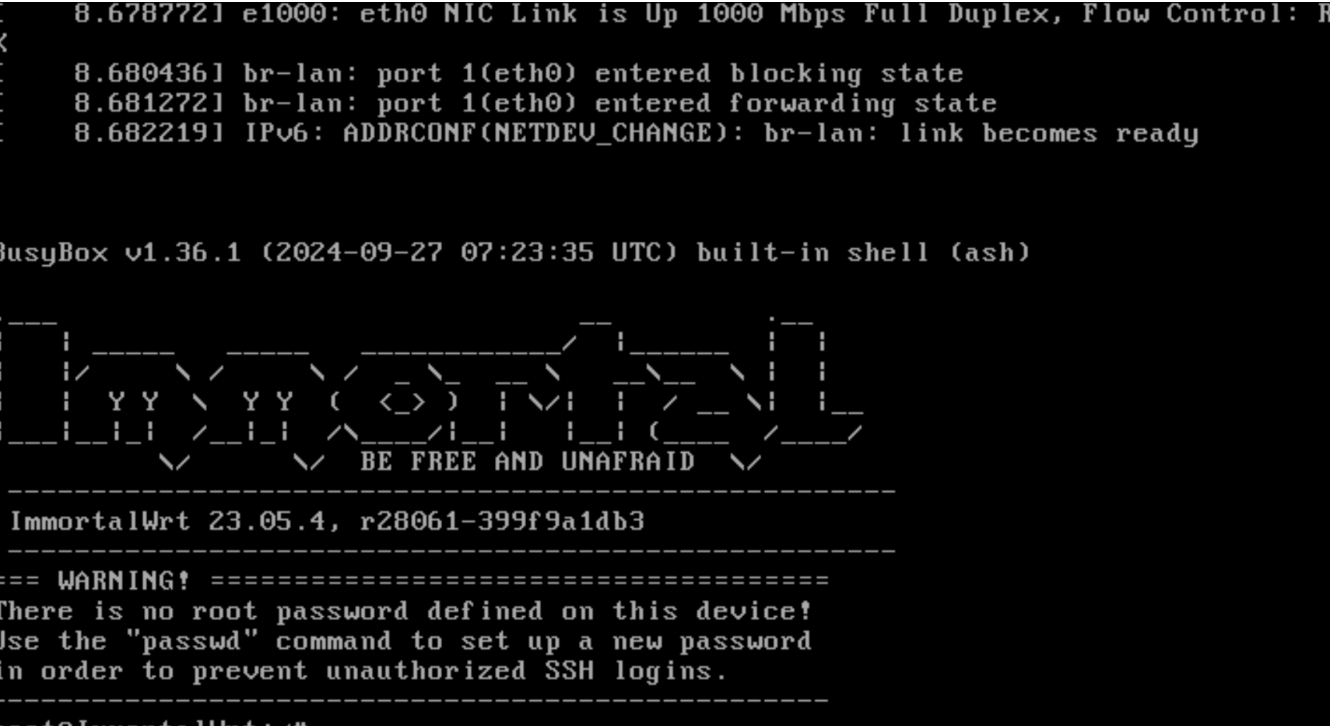
vi /etc/config/network set ipaddr to the address of the same network segment as the router and reboot
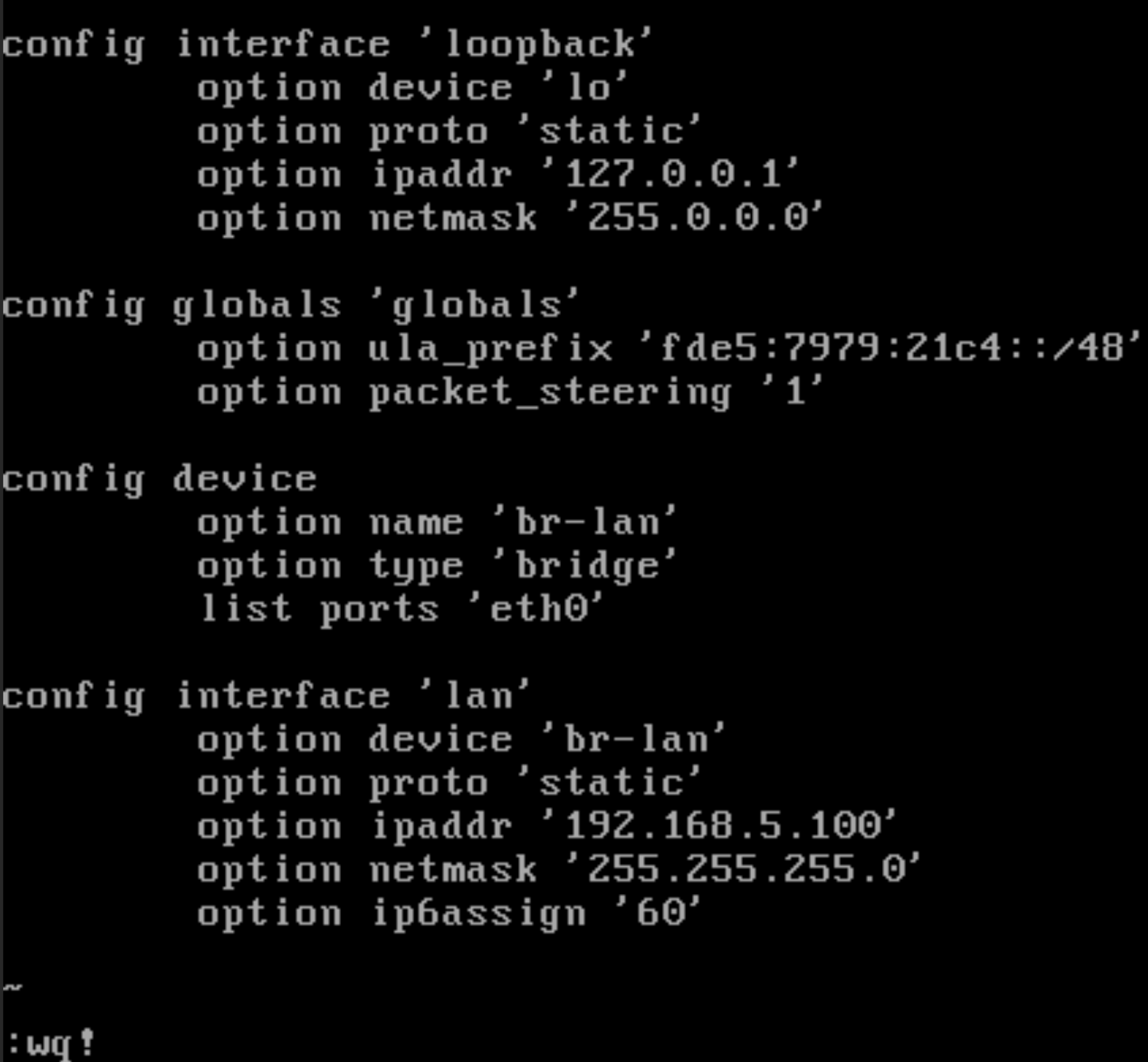
-
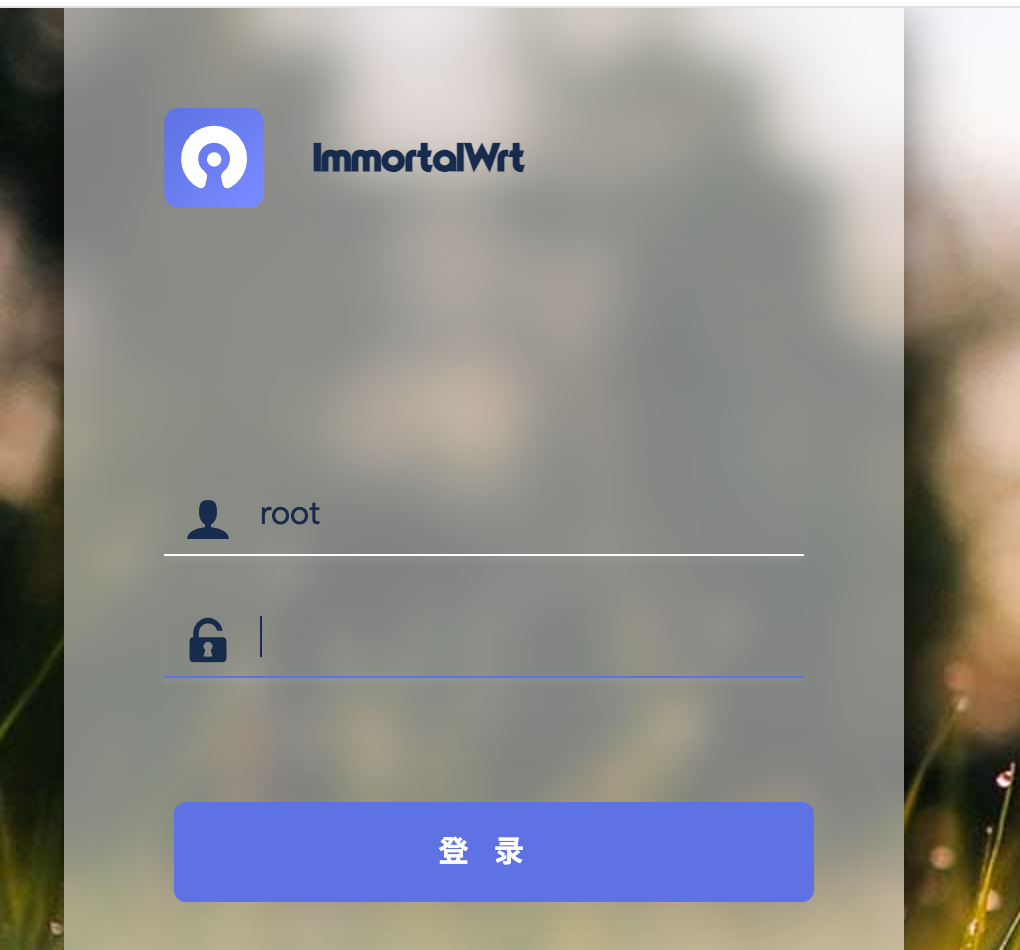
after reboot , login immortalwrt in web browser by http://192.168.5.100 the default user is root, and the default password is password